

Prepare your campaign
Have a product title, description, image, delivery details, price, reward budget, and intended commission policy ready. The live settlement flow uses SDUSD on Monad Testnet. Decide how many levels to reward and how long buyers have before settlement can finalize.1
Set up your merchant profile
Create an account or log in, switch to Sell, and complete merchant
setup. Use a recognizable name, a clear description, and a public slug that
you can share.
2
Create the product
Add the product description, image, price, and delivery content. Product
versions preserve the terms a purchase accepted. Private delivery files are
distinct from public marketing images.
3
Configure the campaign
Select your product and define the reward rate, per-sale cap, campaign
liability cap, paid levels, weights, short-path rule, and settlement hold.
Review the policy preview with both full and short paths.
4
Fund and publish
Review the wallet requests required to create and fund the campaign. Confirm
the chain and token. Wait for confirmed and indexed transactions, then open
the public campaign page to check the price, split, and available budget.
5
Follow your sales
Use campaign activity, network views, receipts, and the vault to inspect
purchases and reward reservations. Resolve eligible refunds before the hold
ends; finalize eligible sales after it ends. Claim available merchant
proceeds through the wallet flow.
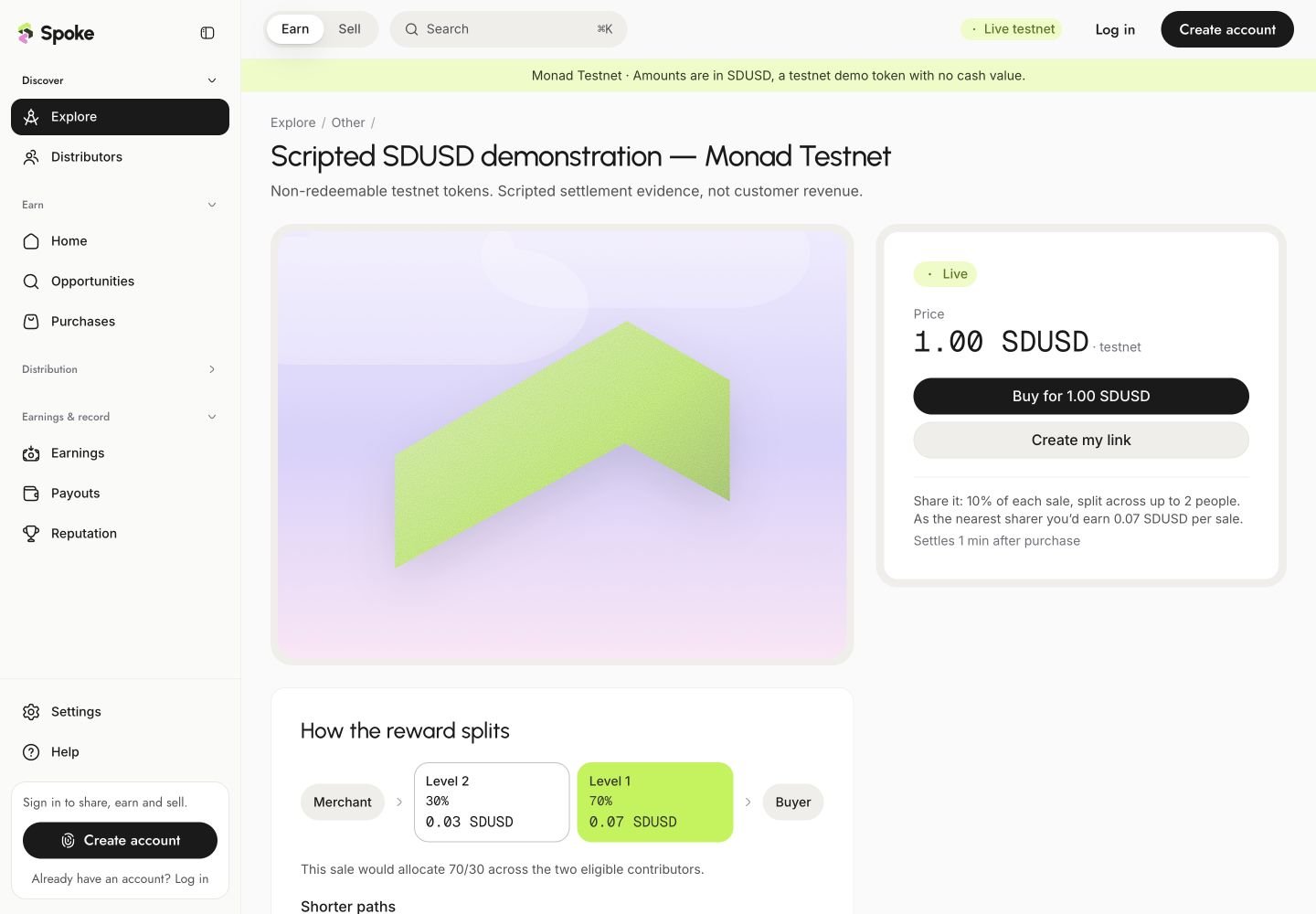
A published testnet campaign makes its price, reward rate, paid levels, and hold visible before checkout.